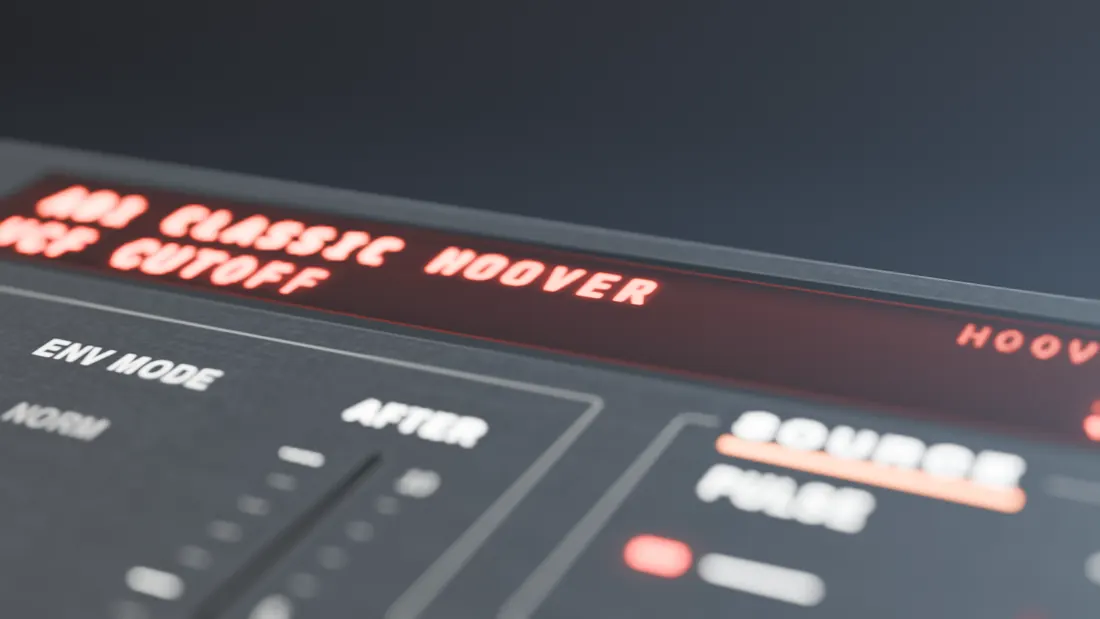
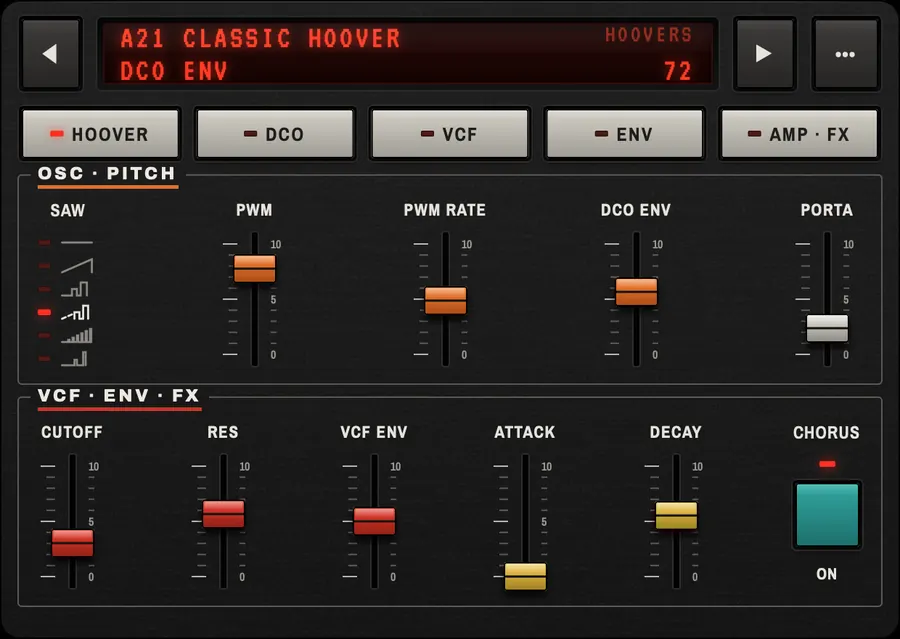
A01 CLASSIC HOOVER38
The 80s
hoover synth,
in your hands.
Swoop is a 6-voice, analog-style polysynth for iPhone and iPad with saw, pulse and sub oscillators, a resonant filter and lush stereo chorus. Play it on its own or as an AUv3 plugin.
iPhone · iPad · AUv3 · Mac hosts
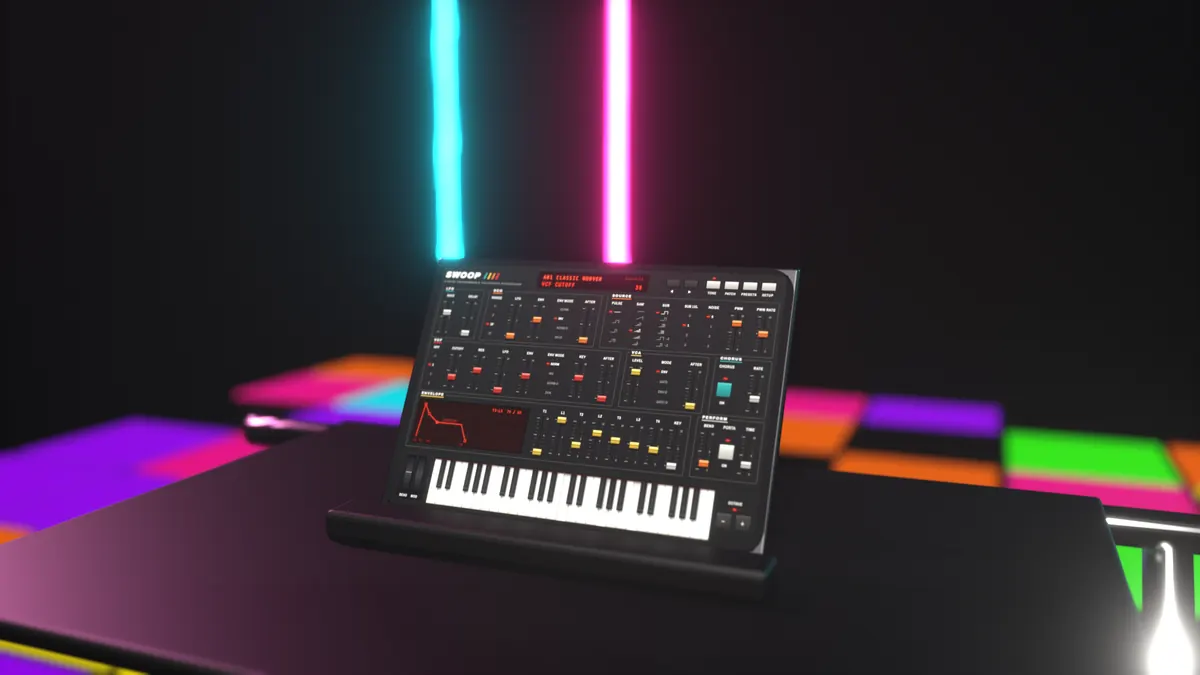
Watch · 30 seconds
Built for the dancefloor.
SWOOP PROMO0:30
Features
Everything an 80s polysynth needs, nothing it doesn’t.
One page of sliders, like the hardware it is inspired by. Every control is on screen, every sound is yours to tweak.
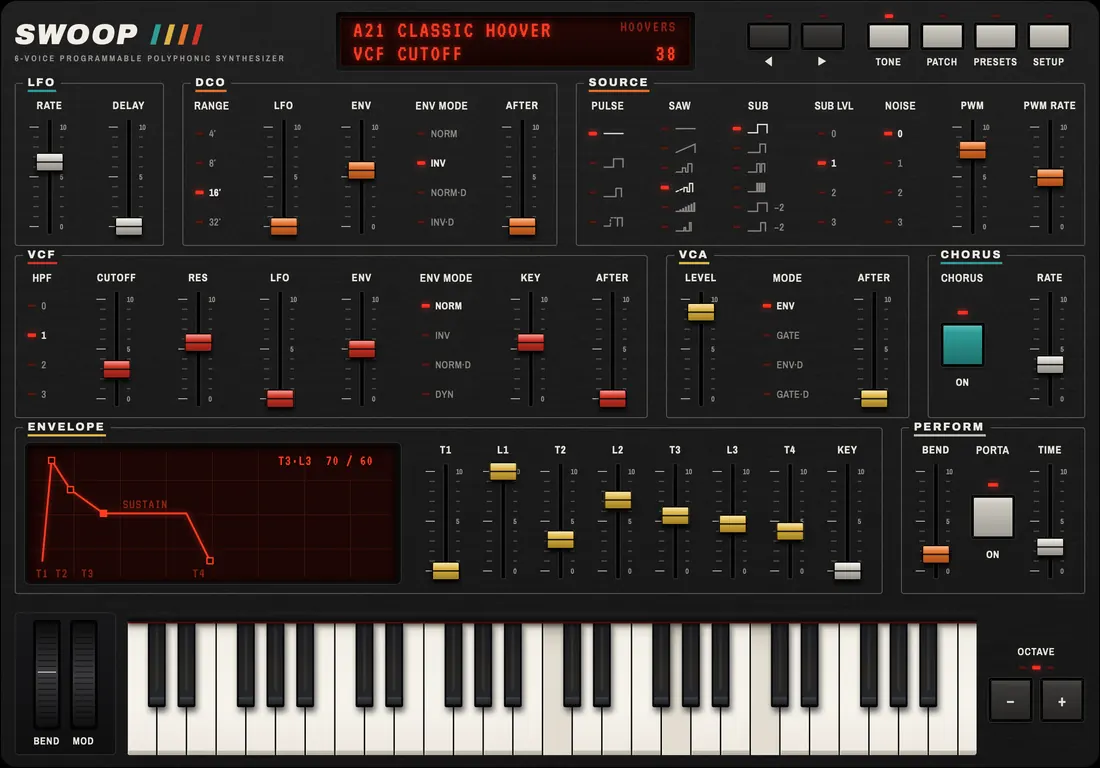
Sound engine
Saw, pulse and sub oscillators with noise and PWM, a resonant 24 dB low-pass plus high-pass filter, a multi-stage envelope, an LFO with delay and stereo chorus.
- 6 voices
- 24 dB VCF
- Chorus
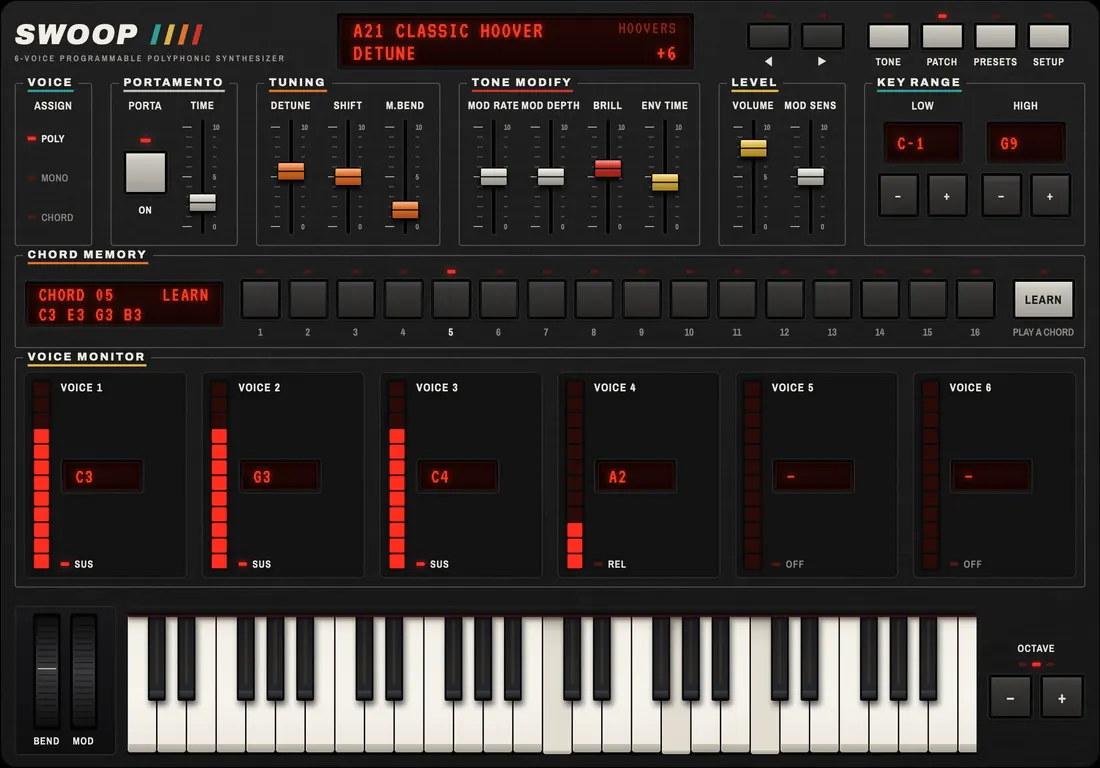
Performance
Poly, mono and chord modes, 16 chord memories with learn, portamento and unison chord spread. Velocity, aftertouch, bend and mod wheels.
- Poly
- Mono
- Chord
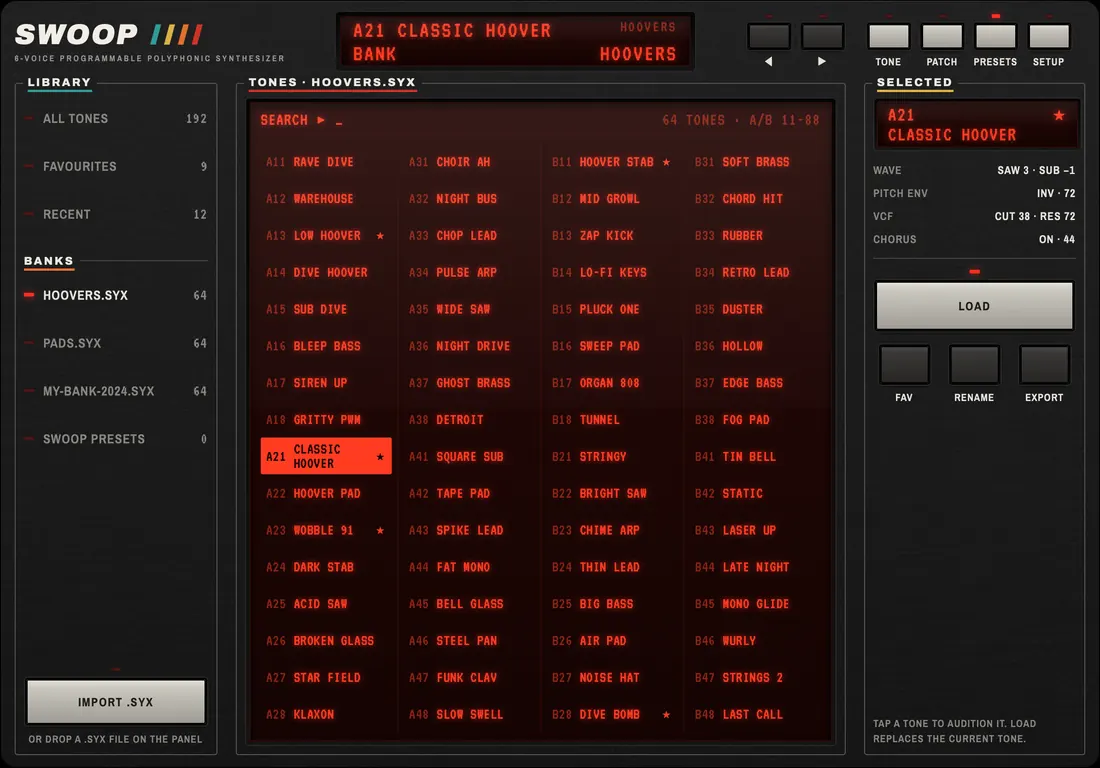
Sounds
34 built-in presets: hoovers, rave stabs, pads, brass, leads and basses. Import classic .syx tone banks, mark favourites, rename and export.
- 34 presets
- .syx import
Connect
MIDI on any channel. Receives SysEx tone dumps, sends parameter changes, and works with hardware programmers over network or USB MIDI.
- MIDI
- SysEx
- USB
- Network
Play it your way
Small keys, big keys, or no keys at all.
Pick the on-screen keyboard that suits your hands, or hide it and play from a MIDI keyboard. Velocity, aftertouch, bend and mod wheels come along either way.
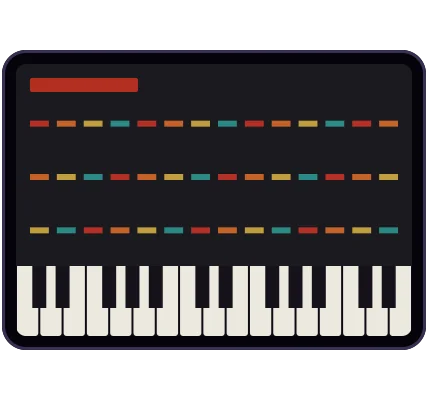
Standard
Most of the panel, compact keys.
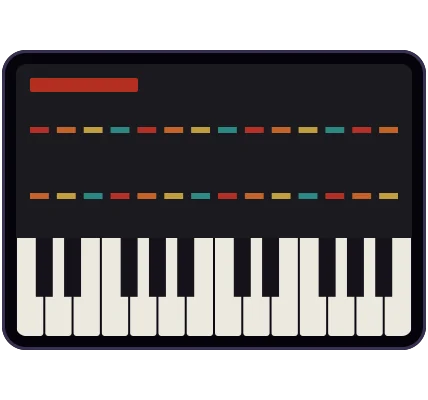
Medium
A balance of sliders and keys.
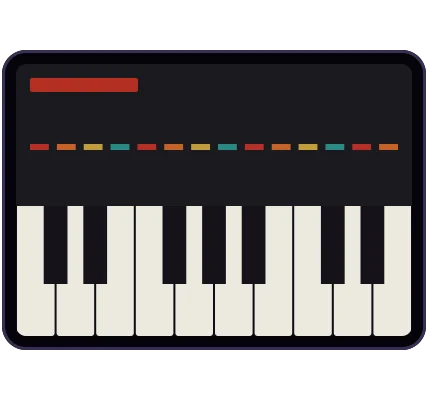
Large keys
Room to play chords by touch.
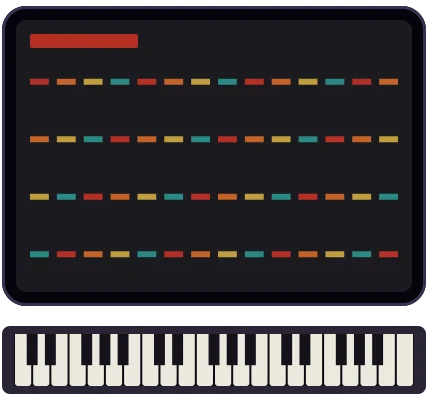
Hidden
Full panel; play from your MIDI keyboard.
Three looks
Three panels. One sound.
Switch the skin any time from the setup menu. The engine and your tones stay exactly the same.
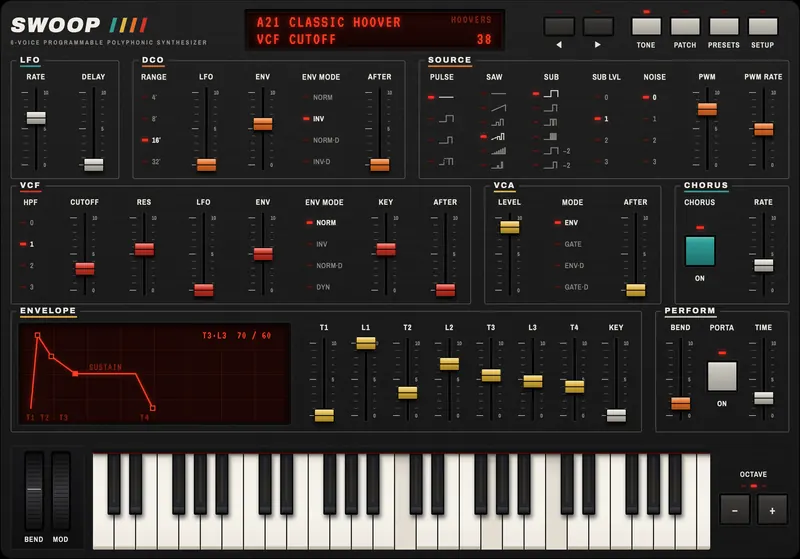
80sDefault
Red LCD, coloured slider caps, neon attitude.
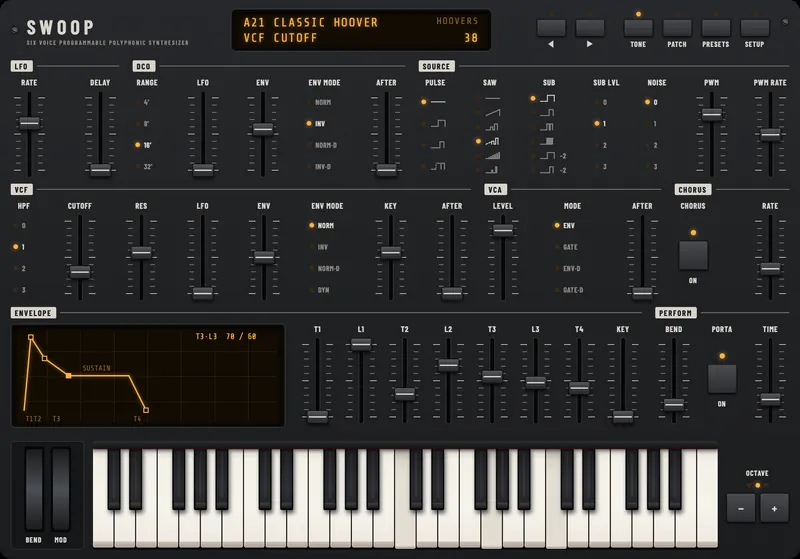
Classic
A dark panel with an amber display.
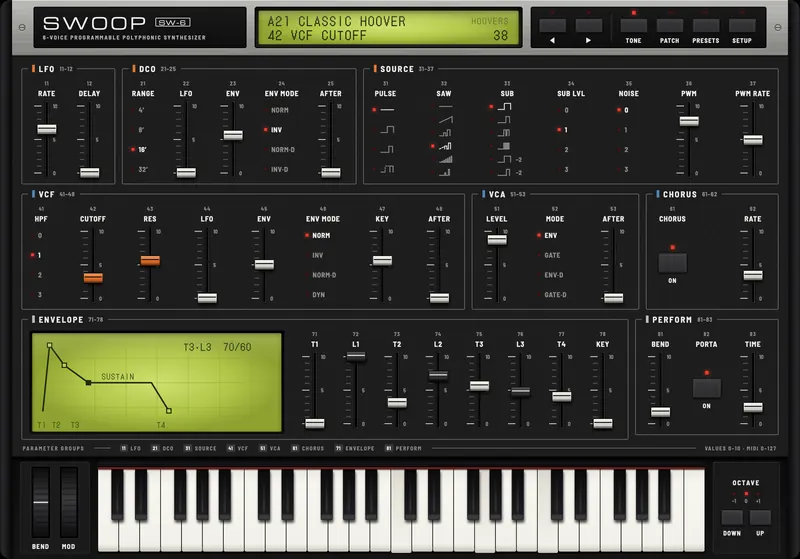
Era
A silver-topped panel with a green display.
Sounds
34 presets built in. Your old banks welcome.
Swoop ships with hoovers, rave stabs, pads, brass, leads and basses. Got classic 80s SysEx tone banks? Import the .syx file and audition every tone with a tap.
BANK · PRESET CATEGORIES
- Hoovers
- Rave stabs
- Pads
- Brass
- Leads
- Basses
Import .syx tone banks
Favourite, rename and export your own banks.
AUv3 · MIDI · SysEx
Works with your setup.
Use Swoop as a standalone app, or load it as an AUv3 plugin with a compact window in your favourite host, on iPhone, iPad or Mac.
- Standalone app and AUv3 plugin on iPhone and iPad
- Runs in Mac AUv3 hosts too
- MIDI on any channel, from any keyboard
- SysEx tone dumps in, parameter changes out
- Works with hardware programmers
- Network and USB MIDI
Specs
The full spec sheet.
- Voices
- 6, polyphonic
- Oscillators
- Saw, pulse and sub, plus noise
- Modulation
- PWM, LFO with delay
- Filter
- Resonant 24 dB low-pass, plus high-pass
- Envelope
- Multi-stage
- Effects
- Stereo chorus
- Play modes
- Poly, mono, chord · unison chord spread
- Chord memory
- 16 memories with learn
- Expression
- Velocity, aftertouch, bend and mod wheels, portamento
- Keyboard
- On-screen S, M, L or hidden
- Sounds
- 34 presets · .syx import · favourites, rename, export
- MIDI
- Any channel · SysEx in · parameters out · network and USB
- Formats
- Standalone iPhone and iPad app · AUv3 on iPhone, iPad and Mac hosts
- Looks
- 80s (default), Classic, Era
- Voices
- 6, polyphonic
- Oscillators
- Saw, pulse and sub, plus noise
- Modulation
- PWM, LFO with delay
- Filter
- Resonant 24 dB low-pass, plus high-pass
- Envelope
- Multi-stage
- Effects
- Stereo chorus
- Looks
- 80s (default), Classic, Era
- Play modes
- Poly, mono, chord · unison chord spread
- Chord memory
- 16 memories with learn
- Expression
- Velocity, aftertouch, bend and mod wheels, portamento
- Keyboard
- On-screen S, M, L or hidden
- Sounds
- 34 presets · .syx import · favourites, rename, export
- MIDI
- Any channel · SysEx in · parameters out · network and USB
- Formats
- Standalone iPhone and iPad app · AUv3 on iPhone, iPad and Mac hosts
FAQ
Questions, answered.
Something else on your mind? Check support or write to us at [email protected].
Which devices does Swoop run on?
Swoop runs on iPhone and iPad with iOS 17 or iPadOS 17 or later, as a standalone app and as an AUv3 plugin. One purchase covers both. The AUv3 also loads in Mac hosts that support AUv3 instruments.
Can I use it as a plugin in my music app?
Yes. Swoop is an AUv3 instrument, so it loads in GarageBand, AUM and other AUv3 hosts on iPhone, iPad and Mac. In a small plugin window it switches to a compact panel; make the window bigger to see the full panel.
How do I import .syx tone banks?
Open Presets, tap Import .syx and pick a file. Swoop reads classic 80s SysEx tone banks; audition any tone with a tap, then favourite, rename or export it.
Does it work with my MIDI keyboard?
Yes. Connect a class-compliant keyboard over USB, Bluetooth MIDI or network MIDI. Swoop responds to velocity, aftertouch, pitch bend and the mod wheel, and you can hide the on-screen keys to give the panel the whole screen.
When is it out, and what will it cost?
Swoop is coming soon to the App Store for €19.99. That is one purchase for iPhone and iPad, with the AUv3 plugin included and no in-app purchases or subscriptions.
The family is growing
Swoop is the first. Two more 80s classics are on the way, made the same way.
- Flare80s brass & sync synth · coming later
- Glow80s chorus poly synth · coming later
- ??And more…Tell us which synth you want next
6-voice programmable polyphonic synthesizer